
How to tell if someone is accessing your iPhone

How to tell if someone is accessing your iPhone
-
Chrome is changing where the address bar sits on larger iPhones
Chrome is testing a larger iPhone layout with a tab strip, and when it appears, the browser can temporarily move your bottom address bar back to the top.
-
What happens to your photos when Samsung Gallery drops OneDrive on September 30?
Samsung Gallery is dropping OneDrive sync on September 30, but your photos are not being deleted. Here’s what actually changes and what you may need to do.
-
Don’t want iOS 27 yet? iOS 26.7 still gives your iPhone dozens of security fixes
Not ready to install iOS 27 yet? Apple’s iOS 26.7 update still gives compatible iPhones dozens of security fixes and a few smaller features.
-
Brave for Android will wait much longer before opening a fresh new tab

Brave is changing how its Android browser behaves after long periods of inactivity, raising the fresh new tab threshold from one hour to 12 hours.
-
Signal is testing phone number-free registration on Android
Signal is testing a new signup option on Android that lets users register without a phone number, with a one-time payment added as an anti-spam measure.
-
Top 5 Android 17 features that actually matter
Android 17 brings dozens of small tweaks, but these five are the ones worth knowing about.
-
Google releases Android 17 stable update for Pixel devices
Google has officially released Android 17, starting with Pixel 6 and newer devices.
-
Apple releases AirPods Pro firmware 8B41 and Beats Studio Buds firmware 1B211
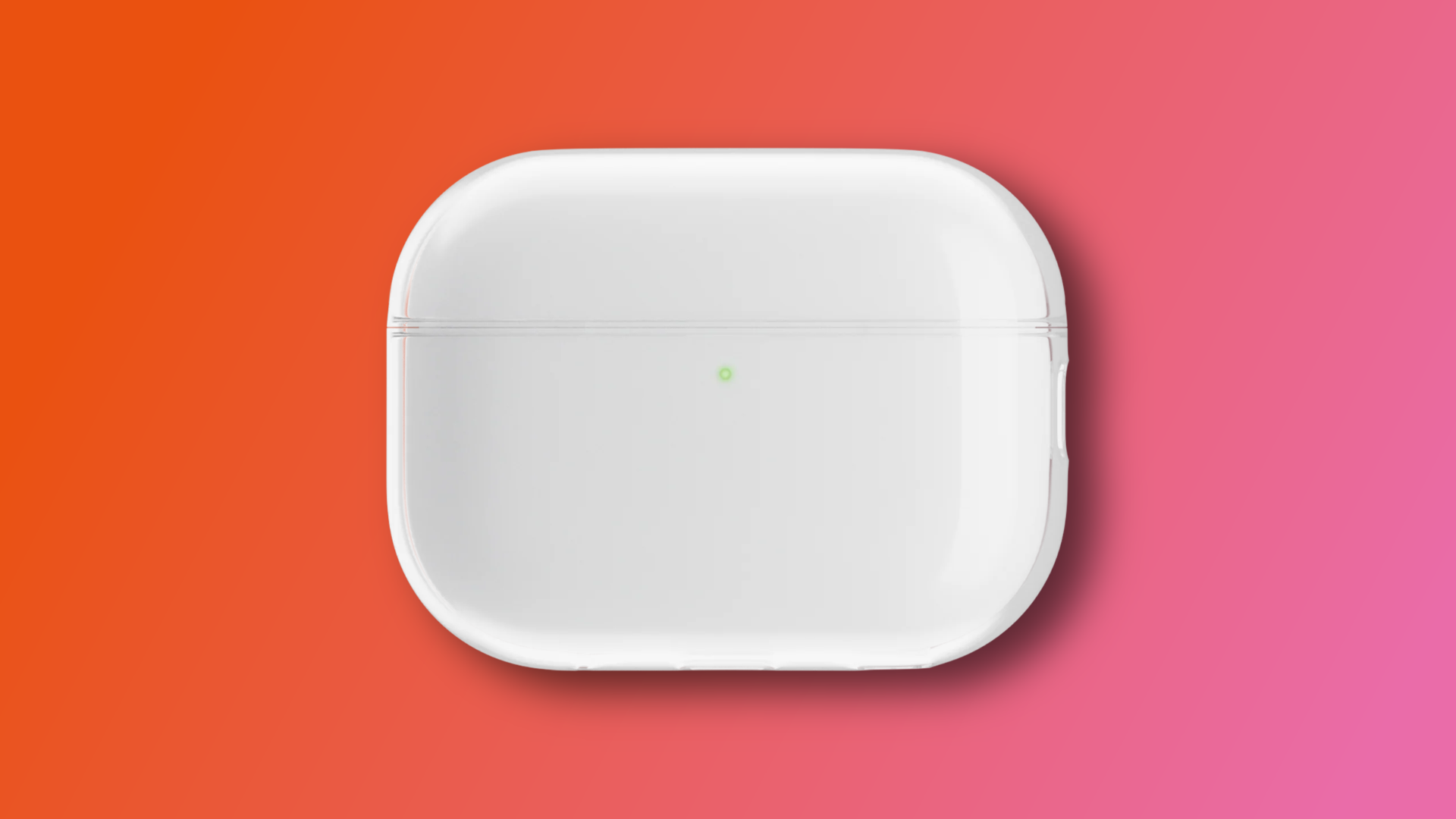
Apple has pushed new firmware to several AirPods models, with no word on what actually changed.
-
Spotify is dropping username logins in September
Spotify is removing username logins on September 1, 2026, with email becoming the only way to sign in.
-
WhatsApp is rolling out group voice and video calls on the web

WhatsApp is finally bringing group voice and video calls to its web client, starting with beta testers.
-
Samsung Galaxy Watch 8 44mm is 24% off, down to $289.99
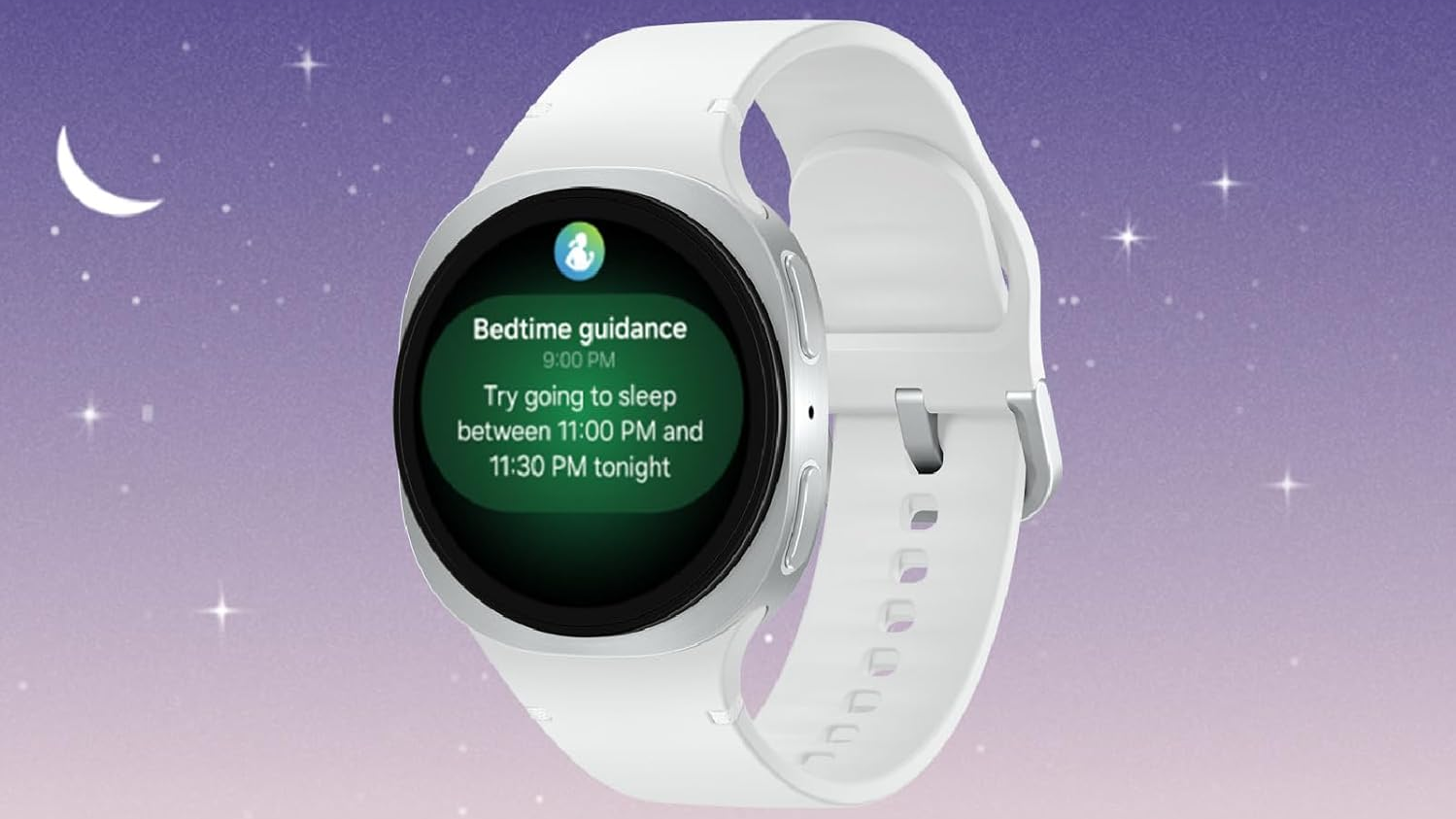
The Samsung Galaxy Watch 8 44mm in Graphite is down to $289.99 on Amazon, a 24% discount from its $379.99 list price.
-
Fox Corporation is acquiring Roku in a $22 billion deal
Fox is acquiring Roku in a $22 billion deal expected to close in the first half of 2027.
-
Apple is merging Sign in with Apple and Hide My Email under one domain
Apple is consolidating both features under private.icloud.com, with existing addresses continuing to work as normal.
-
iOS 27 moves notification banners to the top-left, and it looks awkward
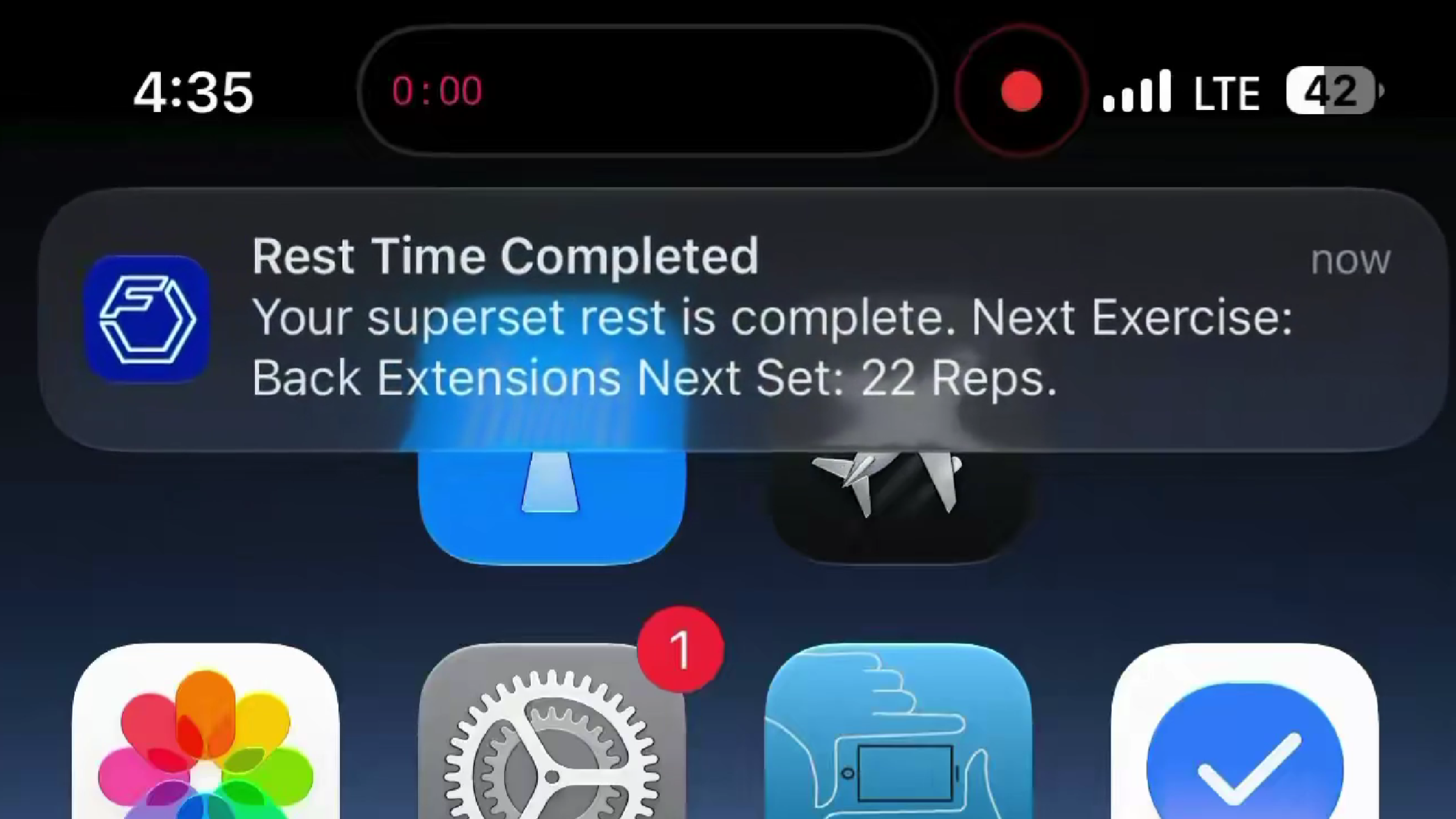
Apple shifted notification banners to the top-left corner in iOS 27, and the animation doesn’t look great in the early betas.
-
Apple releases iOS 26.6 Developer Beta 2
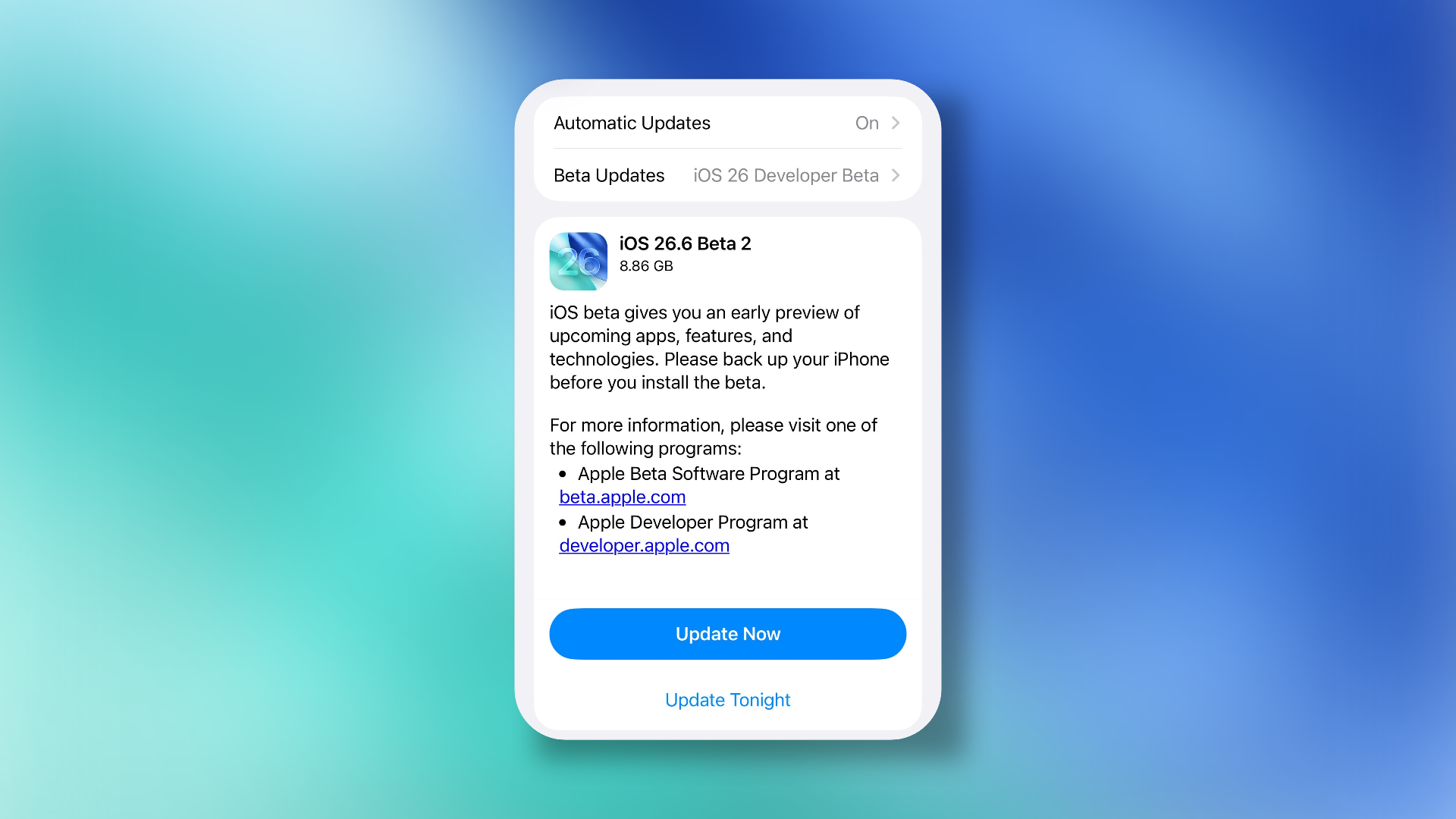
Apple released the second developer beta for iOS 26.6, bringing bug fixes and security improvements ahead of iOS 27.
-
UK is banning social media for children under 16, with more restrictions to follow

The legislation is expected to reach Parliament before Christmas, with protections coming into force in Spring 2027.
-
Apple’s Siri AI is finally good enough, but good enough for what exactly?
The new Siri pulls Apple out of its AI crisis. That might be true, but it raises more questions than it answers.
-
Android 17 is getting a new design, but it’s not Liquid Glass
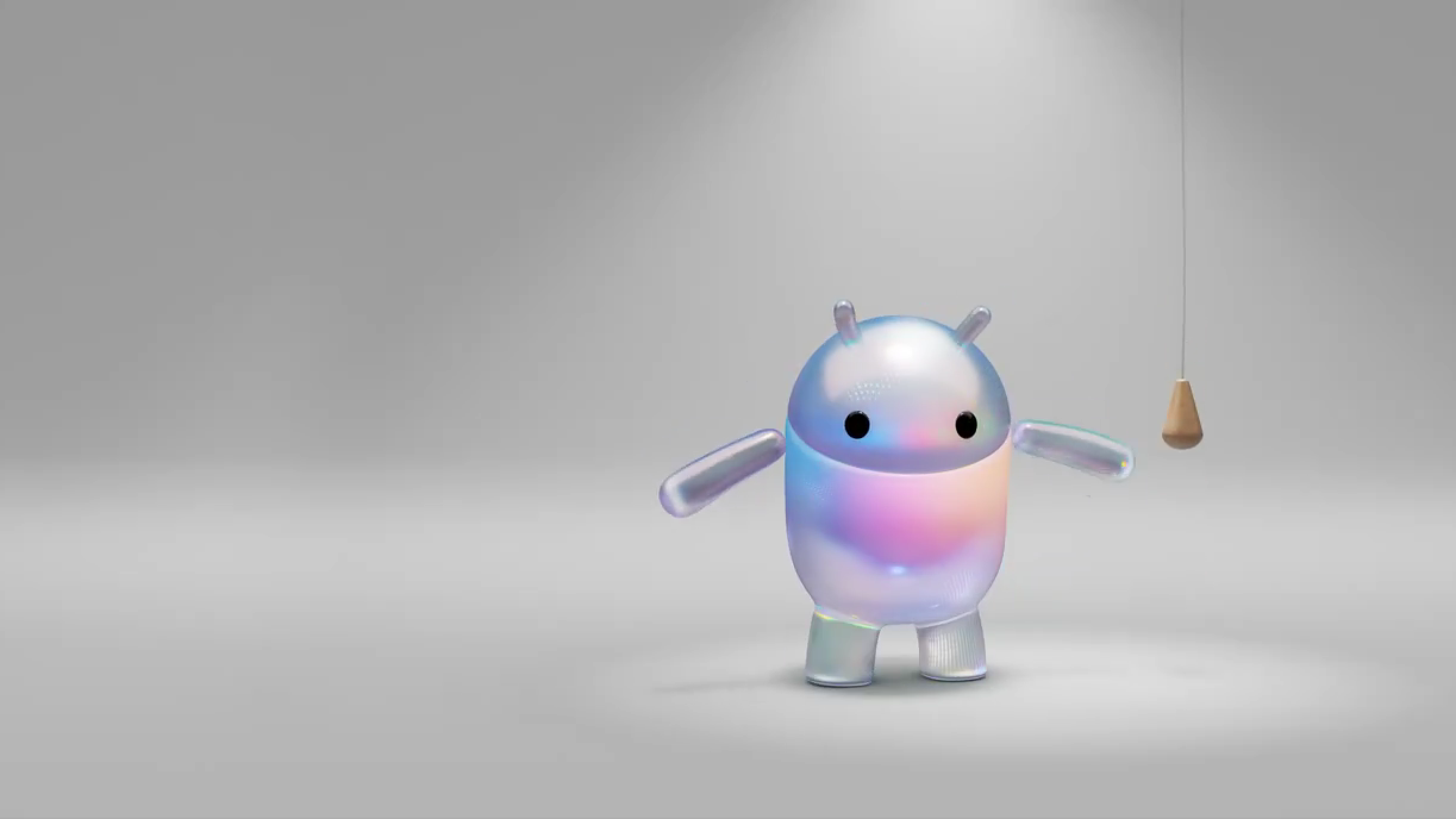
Android teased its next major update with a glassy, iridescent Bugdroid, and people immediately assumed it was copying Apple’s Liquid Glass. Google’s Android chief says it isn’t.
-
Snapseed 4.0 brings Android up to speed with a long-overdue update
Snapseed 4.0 will start rolling out soon for both iOS and Android, bringing the redesigned experience that Android users have been waiting for since the 3.0 update.
-
Google rolls out May 2026 update for Pixel devices with display and camera fixes
The update is available for a wide range of Pixel devices, from the Pixel 7a all the way through to the Pixel 10 series.
-
iOS 27 will let you pick between Gemini, Claude, and more to power Apple Intelligence

According to a new report, iOS 27 will let users choose third-party AI models like Gemini and Claude to power Siri, Writing Tools, and other Apple Intelligence features.
-
Google Home’s Spring 2026 update brings a new camera experience and Gemini 3.1

Google’s Spring 2026 update for Google Home overhauls the camera experience with animated event previews and faster navigation, and upgrades the voice assistant to Gemini 3.1.
-
Google’s Gemini Android redesign leaks in video
A leaked video on X shows the Android version of Google’s Gemini redesign, with animated gradients and a pill-shaped input field that mirrors the iOS overhaul seen earlier this week.
-
Pixel 11 leak reveals Tensor G6 specs, new cameras, and Pixel Glow
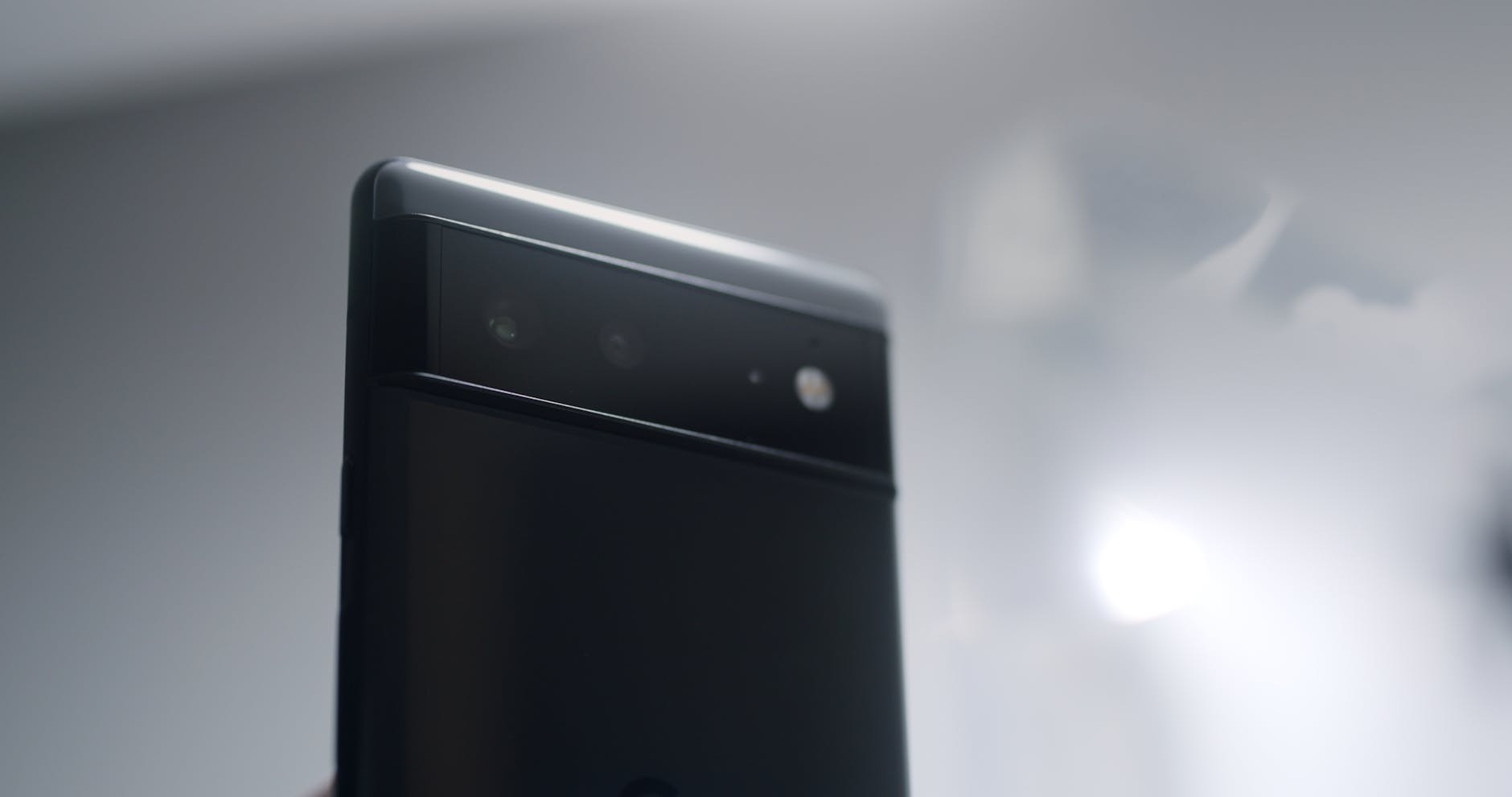
A major leak has detailed nearly every key spec across the Pixel 11 lineup, from Tensor G6 internals to new camera sensors and a Glyph-like LED feature called Pixel Glow.
-
Google’s Gemini app is getting a full visual overhaul on iOS, with Liquid Glass and a new homepage
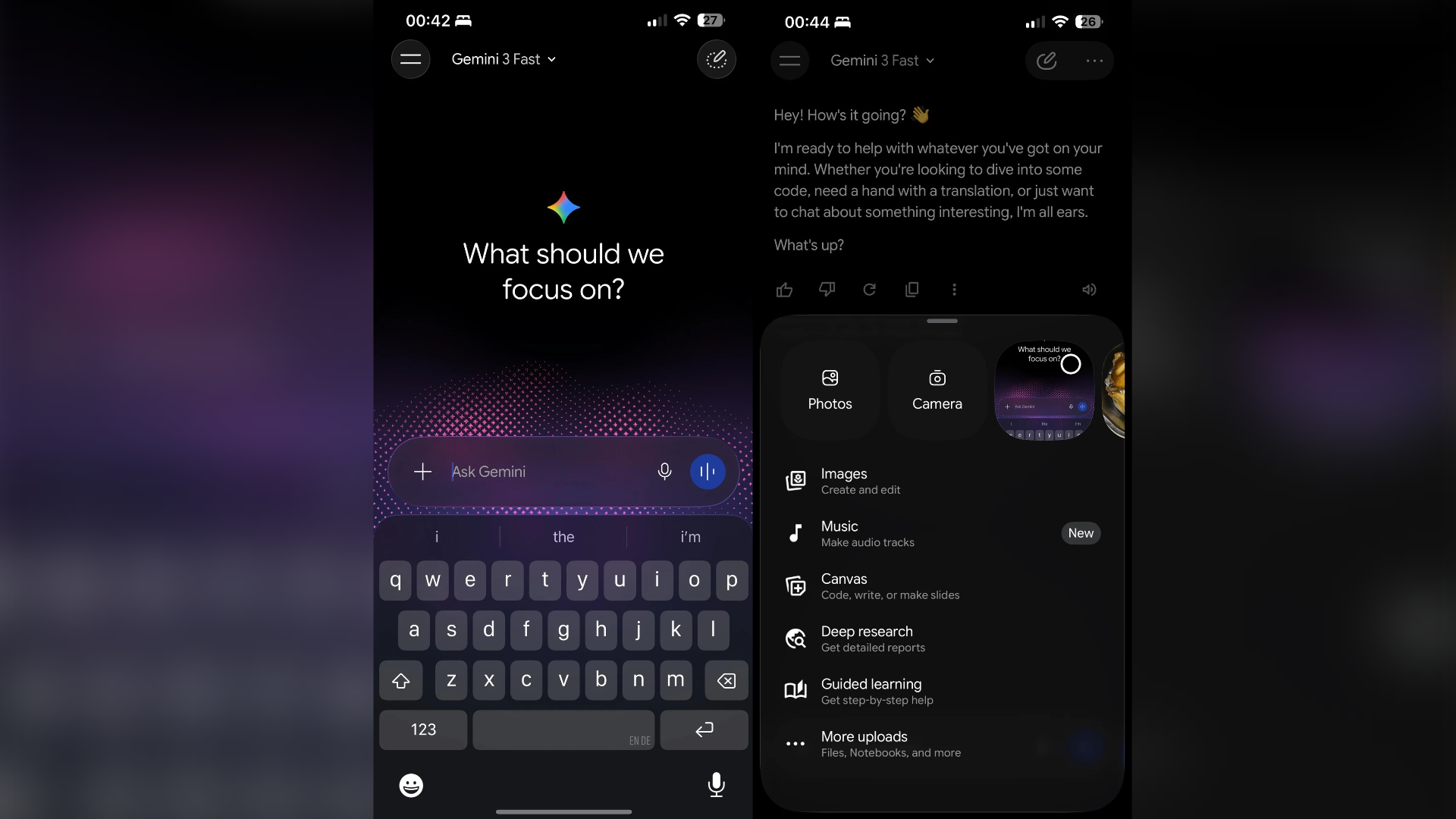
Google’s Gemini app is getting a major redesign on iOS, with early screenshots showing a new gradient homepage, Liquid Glass effects, and a reworked navigation layout. The rollout is currently limited and server-side.
-
Samsung’s War on Helvetica: No more custom fonts
Samsung is locking down One UI by killing third-party font sideloading. It prioritizes store revenue and a sanitized interface over the personal freedom that once defined Android.
Our newsletter
Get the latest news from the mobile industry.